
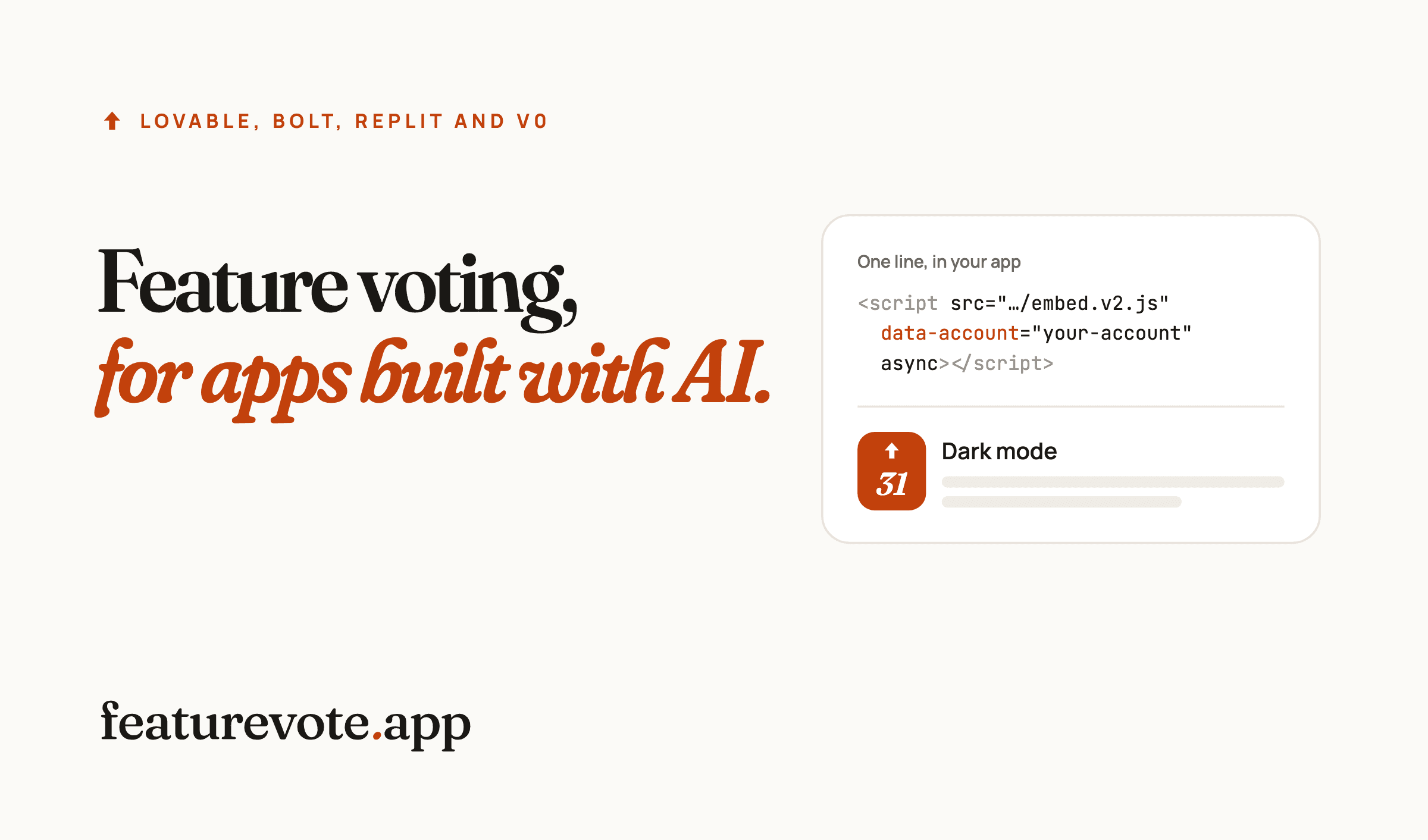
One line of code adds a feedback bubble to an app you built with Lovable, Bolt, Replit or v0. Your users click it, suggest an idea and vote on what others asked for, without leaving your app and without making an account.
The ideas collect on a board with their votes, so you can see what your users want next.
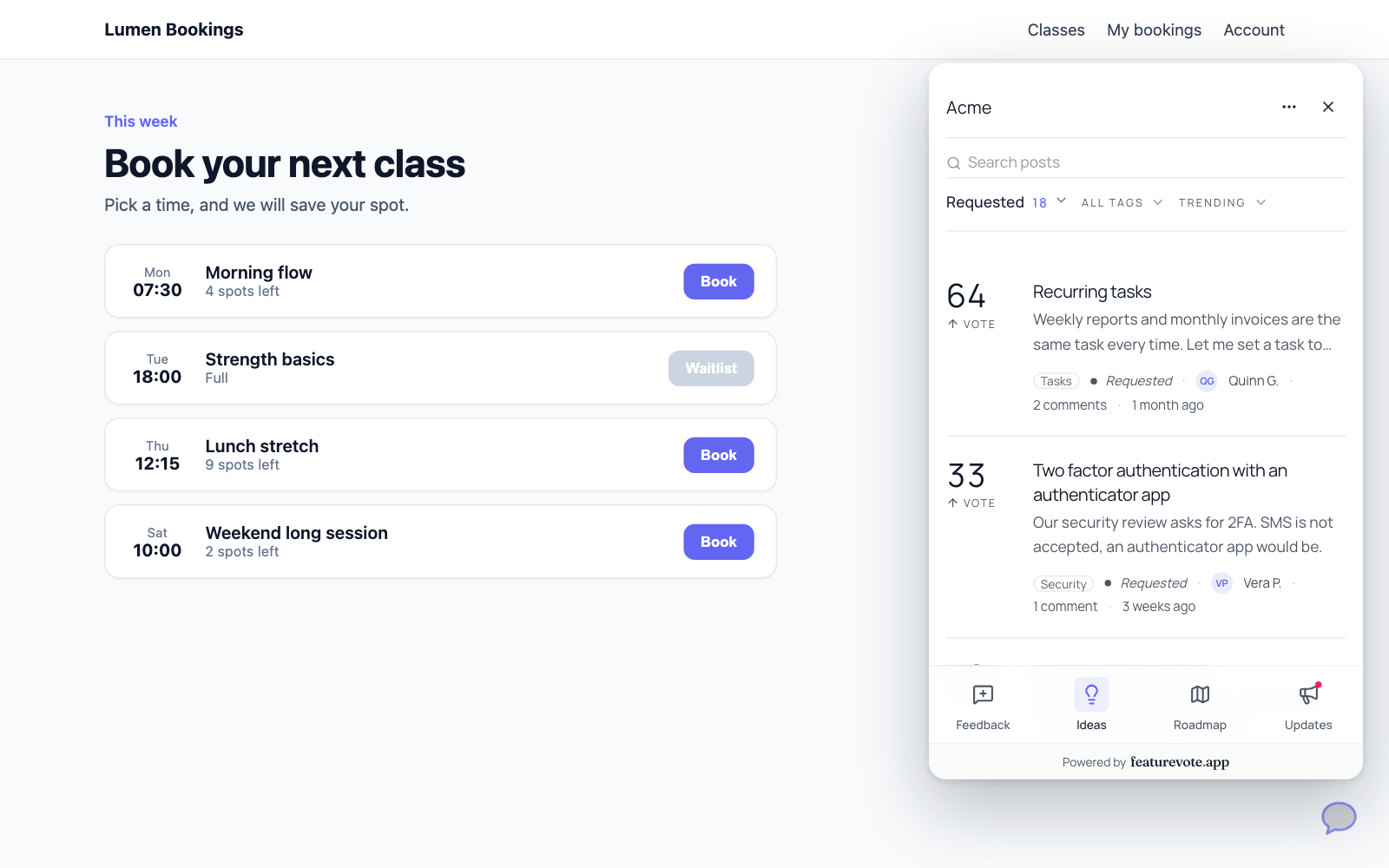
What your users see
A small bubble sits in the bottom right corner of every page. Clicking it opens a card with a box for a new idea. A bar along the bottom leads to Ideas, where people vote on what others asked for, and to your Roadmap and Updates once you have something on them.
The card takes the look of your board. Under Settings → Appearance you choose its style, brand colour and light or dark mode, so it can match your app.
Voting takes one click and needs no account or email. If you would rather have voters you can contact, you can require an email on your board.
Every idea also lands on your board at its own address, where you reply to people and move requests along as you plan and ship them.
Copy your line
Create a free board on featurevote. Then open Install and share in the sidebar and pick Feedback bubble. The line looks like this, with your own account name where it says your-account.
<script src="https://your-account.featurevote.app/embed.v2.js" data-account="your-account" async></script>
Where the line goes
AI app builders make different kinds of projects, so the file depends on what your project has. Open your project's code and look for one of these three files.
You can edit the file yourself, or paste the line into your builder's chat and ask it to put the line in the spot shown below and change nothing else. Either way, open the file afterwards and check that the line is there.
src/routes/__root.tsx
Lovable apps created since May 13, 2026 use TanStack Start and have this file, according to Lovable's FAQ. Paste the line inside <body>, just before <Scripts />.
<body>
  {children}
  <script src="https://your-account.featurevote.app/embed.v2.js" data-account="your-account" async></script>
  <Scripts />
</body>
The line works as it is in this file.
index.html
Older Lovable apps, and other apps made with React and Vite, start from an index.html file at the top of the project. Paste the line just before </body>.
<body>
  <div id="root"></div>
  <script type="module" src="/src/main.tsx"></script>
  <script src="https://your-account.featurevote.app/embed.v2.js" data-account="your-account" async></script>
</body>
app/layout.tsx
v0 builds Next.js apps. Look for app/layout.tsx, or src/app/layout.tsx if the project keeps its code in a src folder. Use next/script and put it inside <body>.
import Script from 'next/script';

export default function RootLayout({ children }: { children: React.ReactNode }) {
  return (
    <html>
      <body>
        {children}
        <Script
          src="https://your-account.featurevote.app/embed.v2.js"
          data-account="your-account"
          strategy="afterInteractive"
        />
      </body>
    </html>
  );
}
This is the same install featurevote.app runs for its own feedback bubble.
Check that it works
Publish your app and open it. The bubble appears in the bottom right corner. After the page has been opened once, Install and share shows the website the bubble was last seen on.
These apps change pages without reloading, and the bubble stays in place as people move around. We checked the two Lovable setups above in test apps built the same way, one with TanStack Start and one with React and Vite.
If the bubble does not show up, your site may send a Content Security Policy that blocks it. The install guide lists the two values to add.
A few things worth knowing
The line loads on every page of your app, the sign in screen included, like any other script added this way. If you would rather keep outside scripts off pages where people type a password, read the part of the install guide about apps with a signed in area.
If your app knows who is signed in, you can pass their name and email, so their ideas arrive with their name on them. That takes a little code of your own, covered in passing user identity.
Not ready to add code? Your board has its own address, so a Feedback link in your app's menu works with nothing installed.
What it costs
The bubble and voting without an account are part of every plan, including the free one. On the free plan your team manages 15 active requests at a time, and your users post and vote without limit. Paid plans start at $9 a month, billed yearly. The pricing page has the details.